


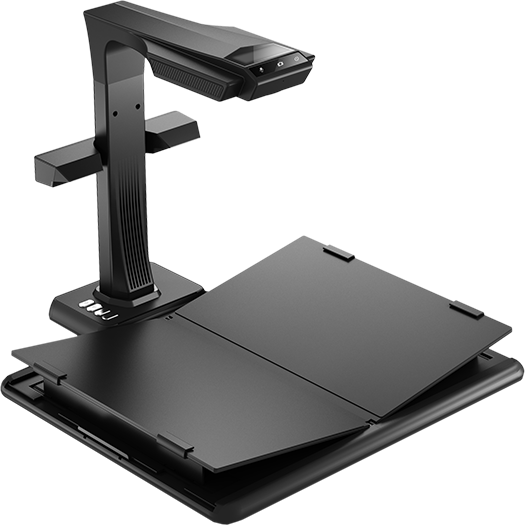
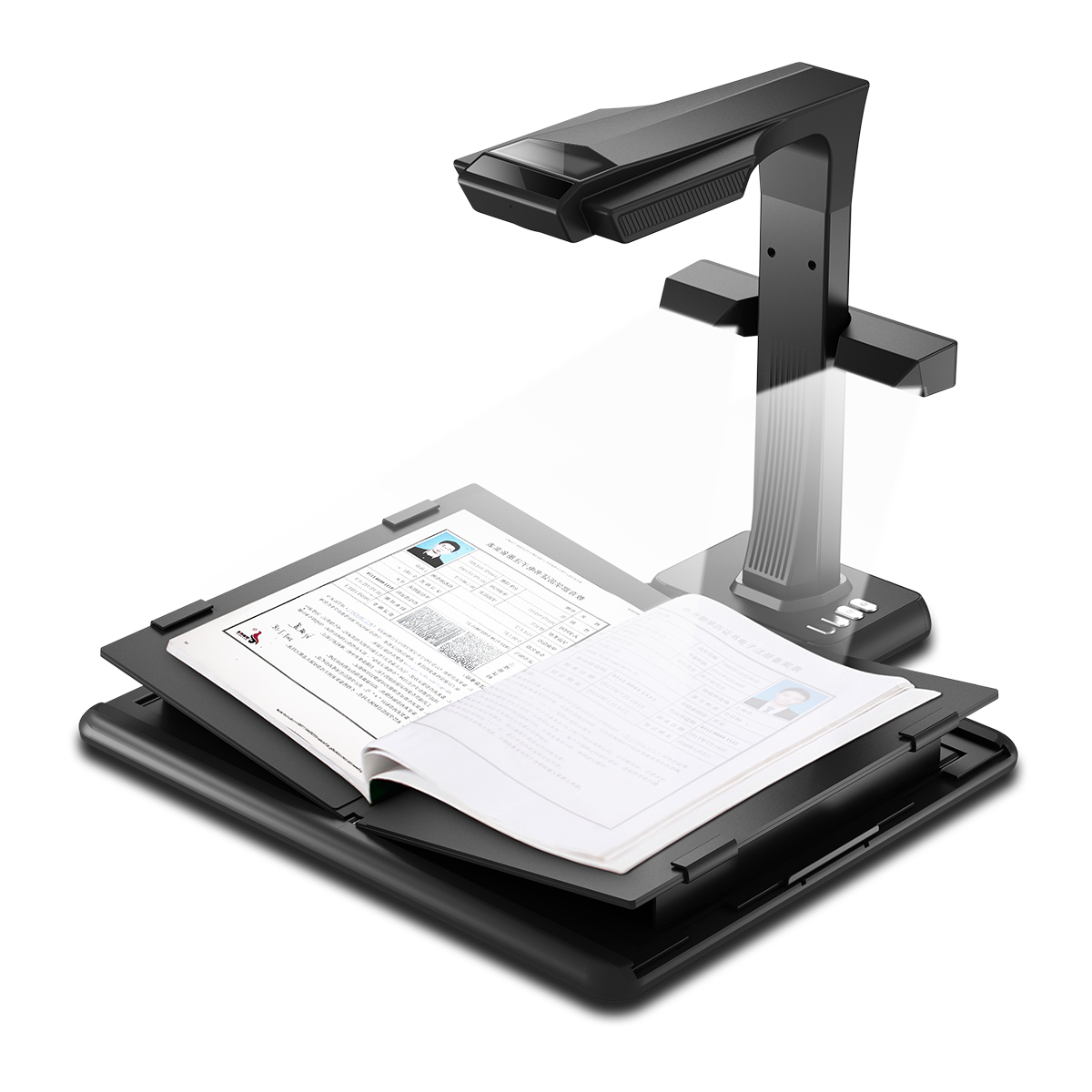
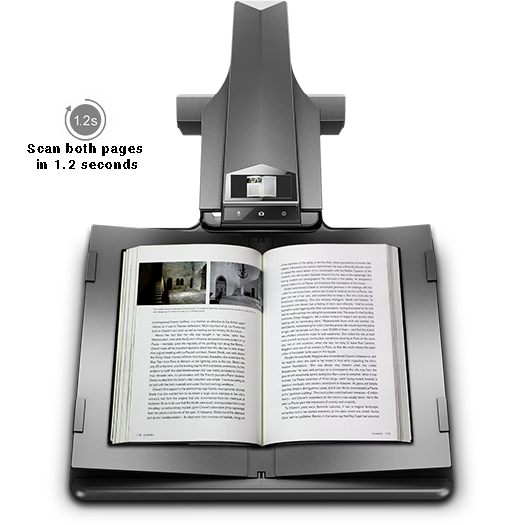
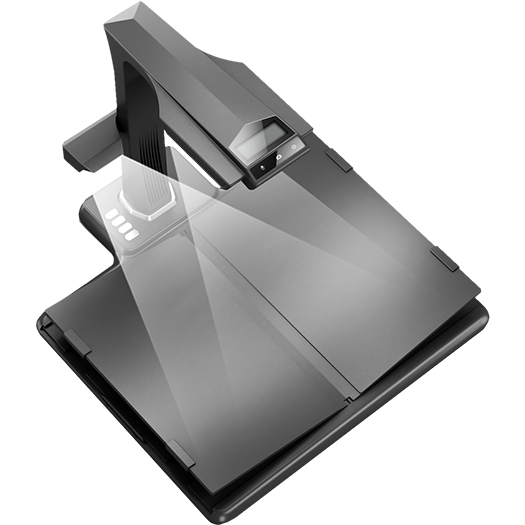
The CZUR ET Ultra is easy to set up, and the software interface is excellent. It solved my rather monstrous scanning problem in no time. My ET Ultra is simple to use, great-looking, and produces fantastic files. A marvelous addition to my home office.
Customer Reviews
Overall rating: 4.5 / 5 from 17 reviews.
I bought this to digitize a backlog of bound books and old family documents, and it's handled both better than I expected. The overhead design means no glass, no spine-cracking, and no flipping the book over every page — you just turn, tap the foot pedal, and keep moving. A few hundred pages goes a lot faster than you would think. The curve-flattening is the part that sold me. Pages from thick hardcovers come out looking flat instead of warped, and the software cleans up the fingers holding the book down. OCR output has been accurate enough that I'm actually searching my archive instead of just storing it. Two honest notes: the software is functional rather than elegant, and you'll want decent ambient light for the best results even with the built-in LEDs. Neither one has stopped me from using it constantly. Recommended if you have real volume to get through.
This device is perfect so far. Plug and play. My wife is transferring a bunch of journals from a family member, and it just work. None of the normal headaches from typical devices with compatibility, software or firmware upgrades, nothing. It just worked.
Securely packed, easy to set up, high resolution scans. Not cheap to purchase, but I feel it is worth it.
.
Perfect.
I am very pleased with my scanner and particularly impressed with the support I received when my shipment was delayed by USPS. Your representative returned my call promptly and investigated the holdup on my behalf. The next day, I received the scanner! I wish I could remember the name of the gentleman who assisted me, as he deserves special recognition for his outstanding service. Due to his professionalism and my satisfaction with my CZUR overhead scanner ET25, I have recommended to the board of my small historical society, the Iberia African American Historical Society, that we purchase the CZUR 3000 for our archive. We plan to place this order shortly. Do you have discounts for nonprofits? Thank you! Phebe
I found that with the ScanSnap 600 I had previously purchased I could not get acceptably low error rate in OCR of Japanese text in books printed with a "Mincho" style font, due to the very fine lines at the ends of the "brush-strokes". The amount of manual post-correction required was so great that even though I could at most scan only 10 pages a minute (at 2 pages per scan) with my Brother all-in-one laser printer, that was overall much quicker. But it meant standing at the printer for an hour to scan a 600-page book, with still significant time in post-scan correction. Using the CZUR ET25 Pro with DPI set to 1000 and file size at max, I get near-perfect OCR with such texts, scanning books as fast as I can turn the pages. Recognition error rate is even lower than with Brother scans, with much faster scanning., and without the strain of standing for an hour at the machine. I am very, very happy with this device.
Great Purchasing Experience! Looking forward to using adding to my library!
This is a very easy scanner to use and the OCR conversion pretty darn accurate too. A feature I appreciate the most is the automated detection mode where it automatically scans when it detects no motion. This allows me to scan quickly without having the need to tap on the foot pedal, or use the manual switch to trigger a scan. I've only used it a few times but I've been pleased so far.
Love it so simple to use
There was a little of a learning curve. Overall, it worked as expected.
Purchased this for a large scanning project at work. We haven’t started yet, but setup was easy and the software is intuitive. I feel confident this scanner with enable us process files quickly and efficiently.
The instruction booklet was pretty brief, but with the help of my son we were able to get it hooked up to my computer and I did a small test scan. I need to practice to get the copies completely straight and it took some time for me to get the page holders and my finger tips to not show up on the scan, but somehow they disappeared as I did a few more pages. I think it will be a benefit for our Historical Society.
Too much post-scan processing required! Takes me twice as long to crop and process as it does to scan. Software simply doesn't do a good enough job at determining the middle line of an open book and from there adequately flattening and cropping the images. The black mat underneath sadly ensures that every single page scanned will have a black edge somewhere -- in addition to the book-crease edges. A white mat underneath would solve this problem; but then you would need better book-edge sensing -- which you ought to have anyway. Maybe go with infrared focusing to sense where the edges of the book are.
It is here. Would be helpful if the software was a little more user friendly. Not much for explanation of use.

The pictures from the scanner "look great" the output images from the software are awful. Czur asks for comments but their answer to my problem was not any help.